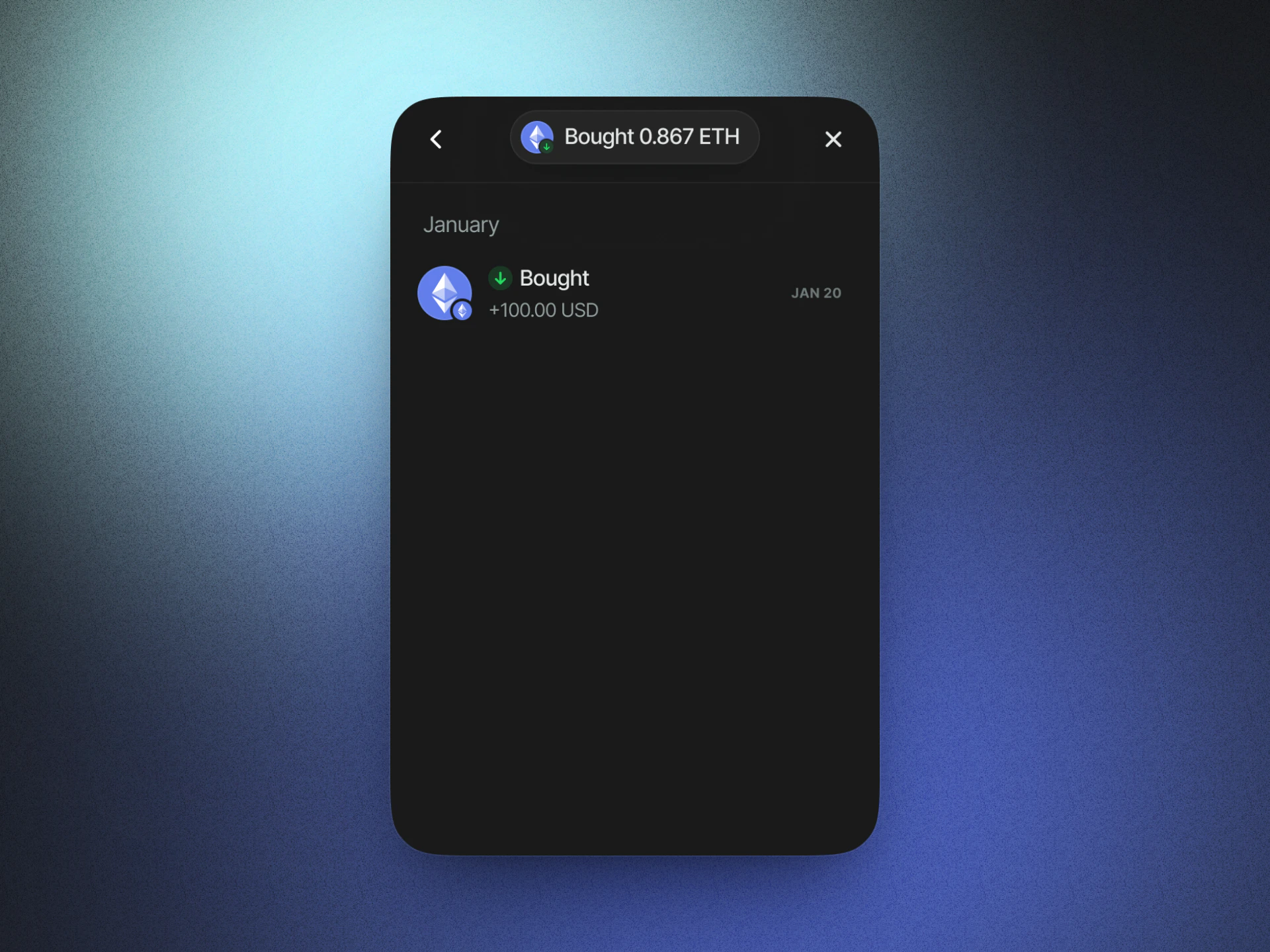
Demo
Try Demo
Get Started
React
Get started with AppKit in React.
Next.js
Get started with AppKit in Next.js.
Vue
Get started with AppKit in Vue.
JavaScript
Get started with AppKit in JavaScript.
Process Overview
AppKit On-Ramp makes it easy for users to purchase crypto without the hassle of switching between multiple platforms and signing multiple messages - a simple, seamless, in-app experience for anyone looking to securely transact within web3. For a step-by-step guide on user flow with AppKit On-Ramp, refer to our Youtube video here.On-Ramp is supported in the latest version of AppKit. If you are using an
older version, make sure you upgrade.
Connect your wallet
Head over to a AppKit-enabled application and click the “Connect Wallet” button. You will be prompted to connect your wallet.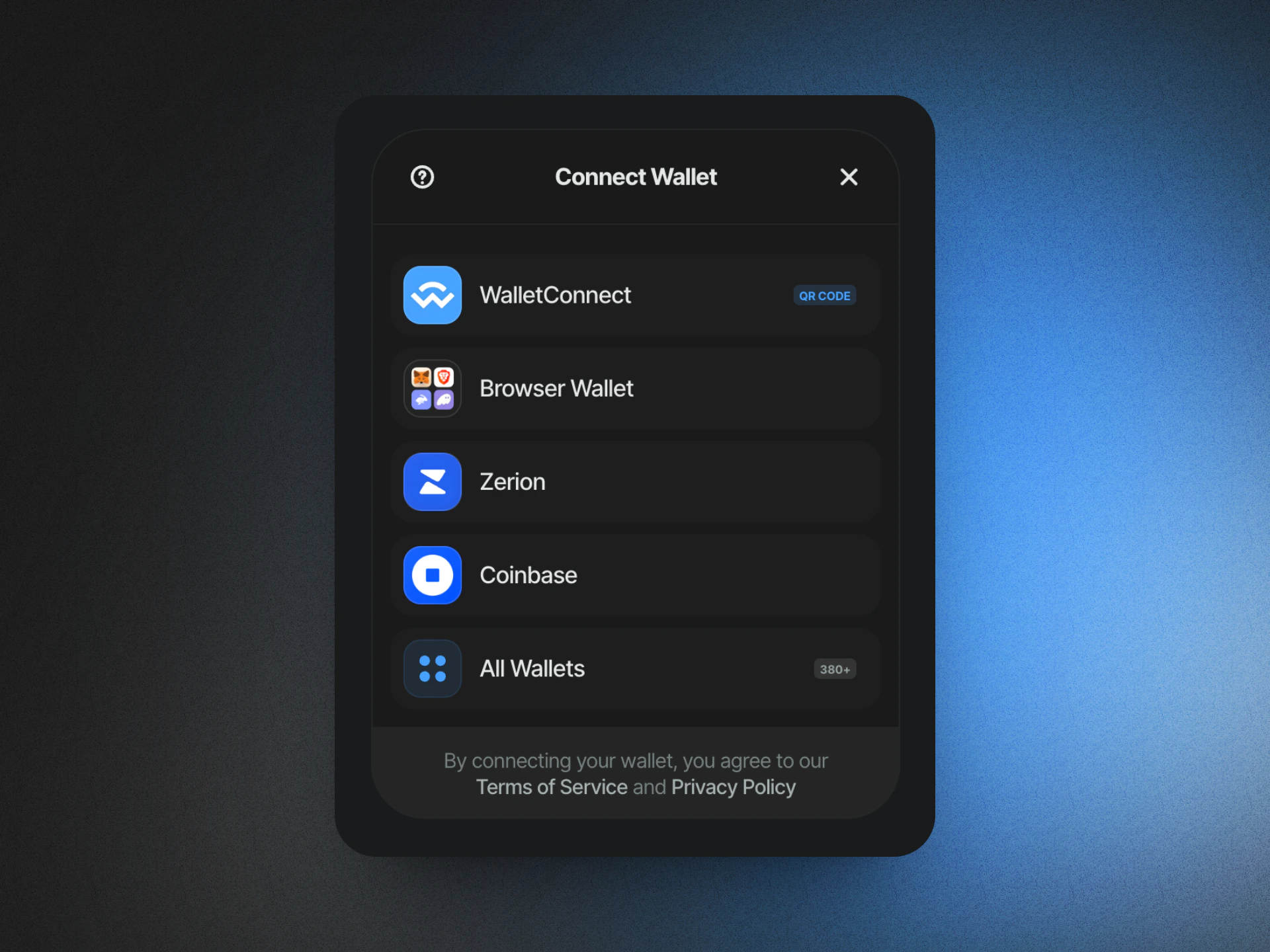
Select “Buy Crypto”
Once connected, select “Buy Crypto” from the wallet modal.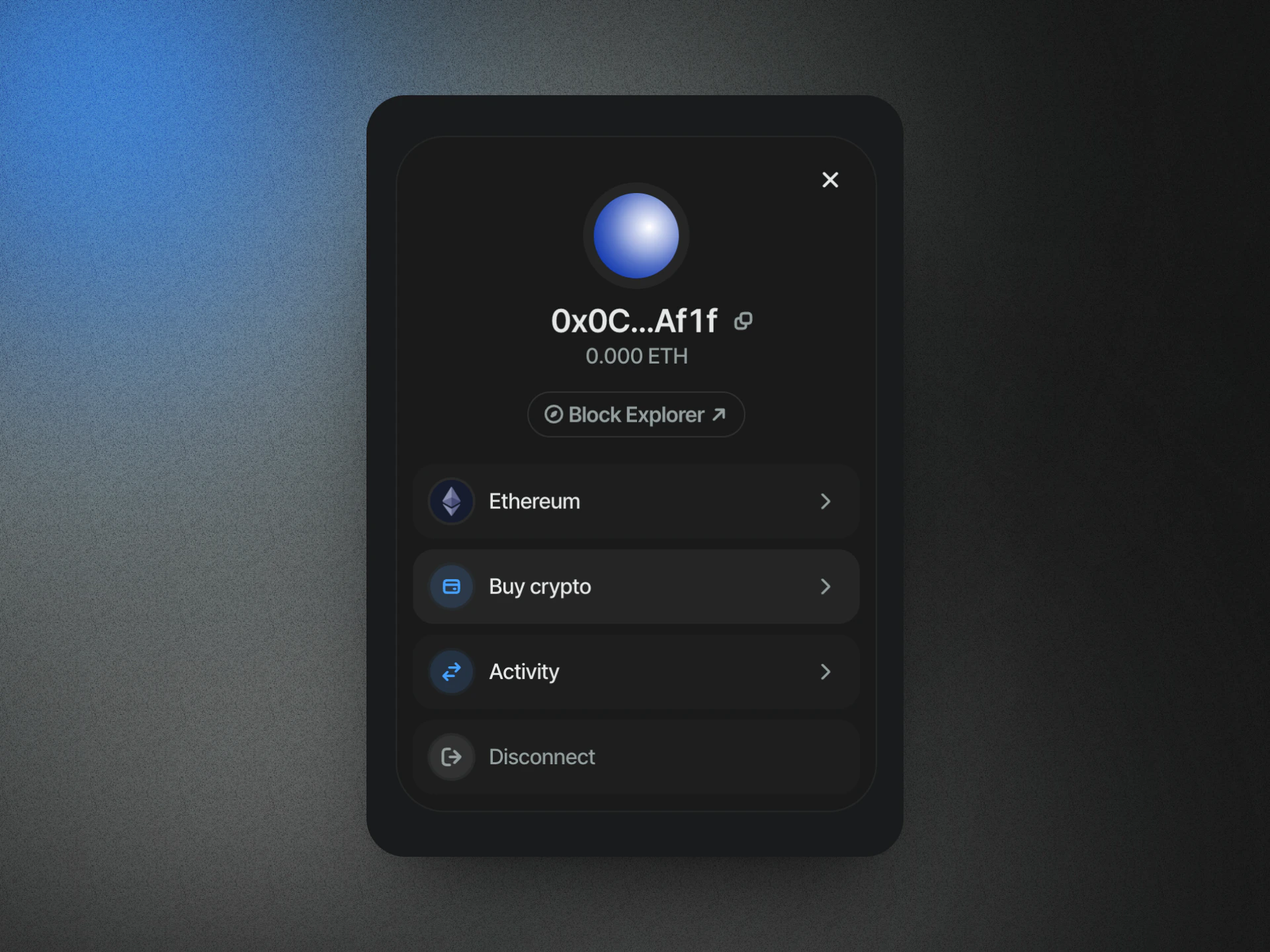
Choose your provider
Select “Meld” as your provider.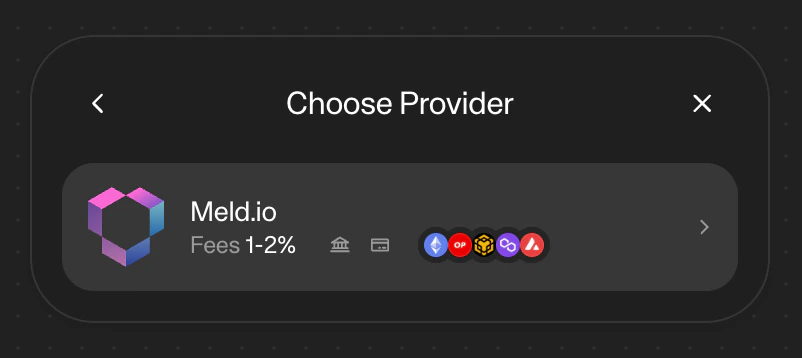
Complete your purchase
Complete your purchase using your selected provider. You will be prompted to sign in to your Meld account. If the payment page does not appear, you can copy link from the wallet modal and paste it in your browser.Select assets and amount
Choose the asset and amount you would like to purchase from your selected provider.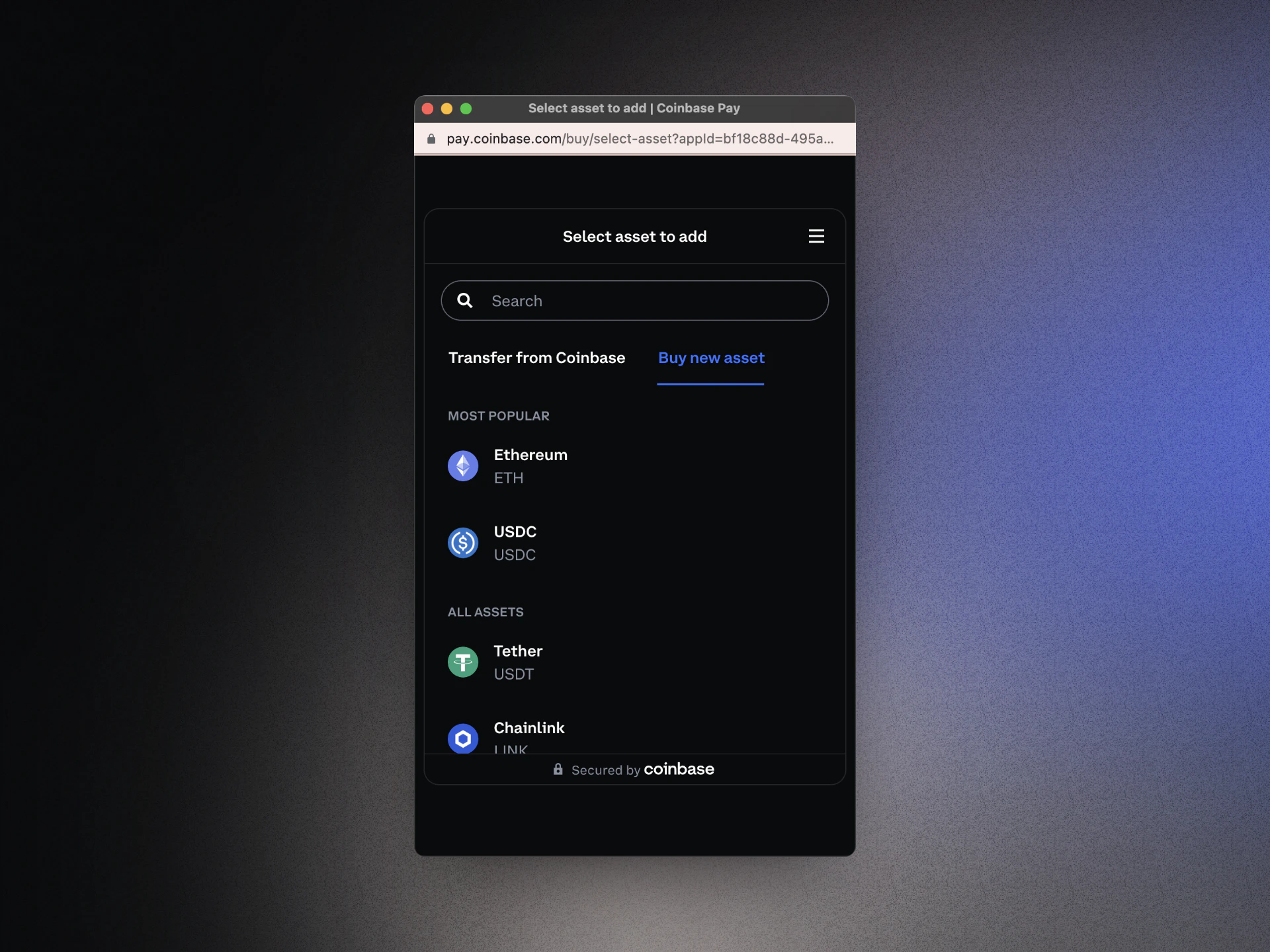
Receive your crypto
Once your purchase is complete, you will receive your crypto in your wallet.